GPS Protected · Dead Reckoning Active

Navigate safely when GPS is disrupted
TrueRoute fuses OBD2 speed, gyroscope, and GPS into one accurate position — and keeps going when GPS fails.
Coming SoonHow it works
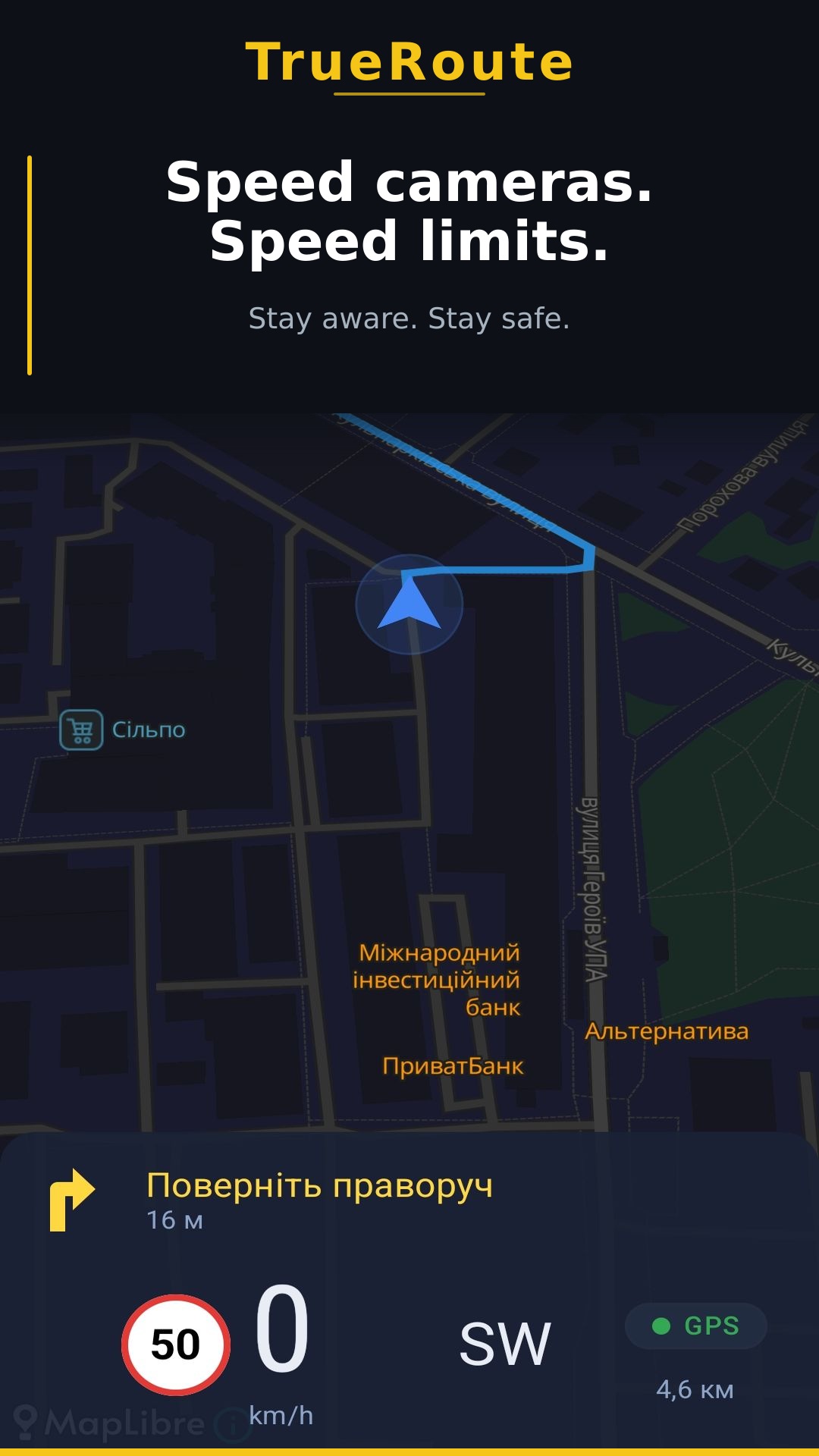
See it in action
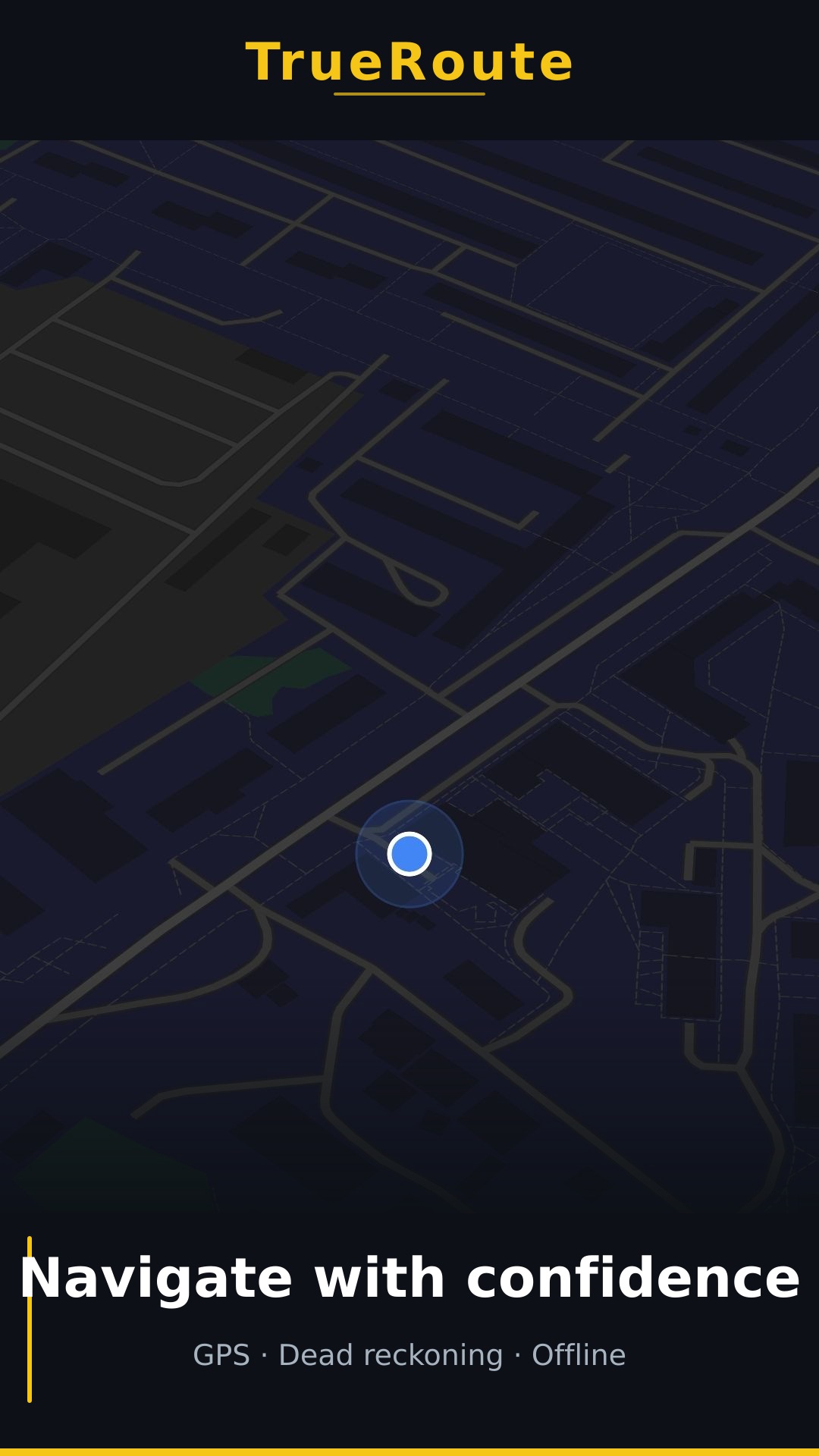
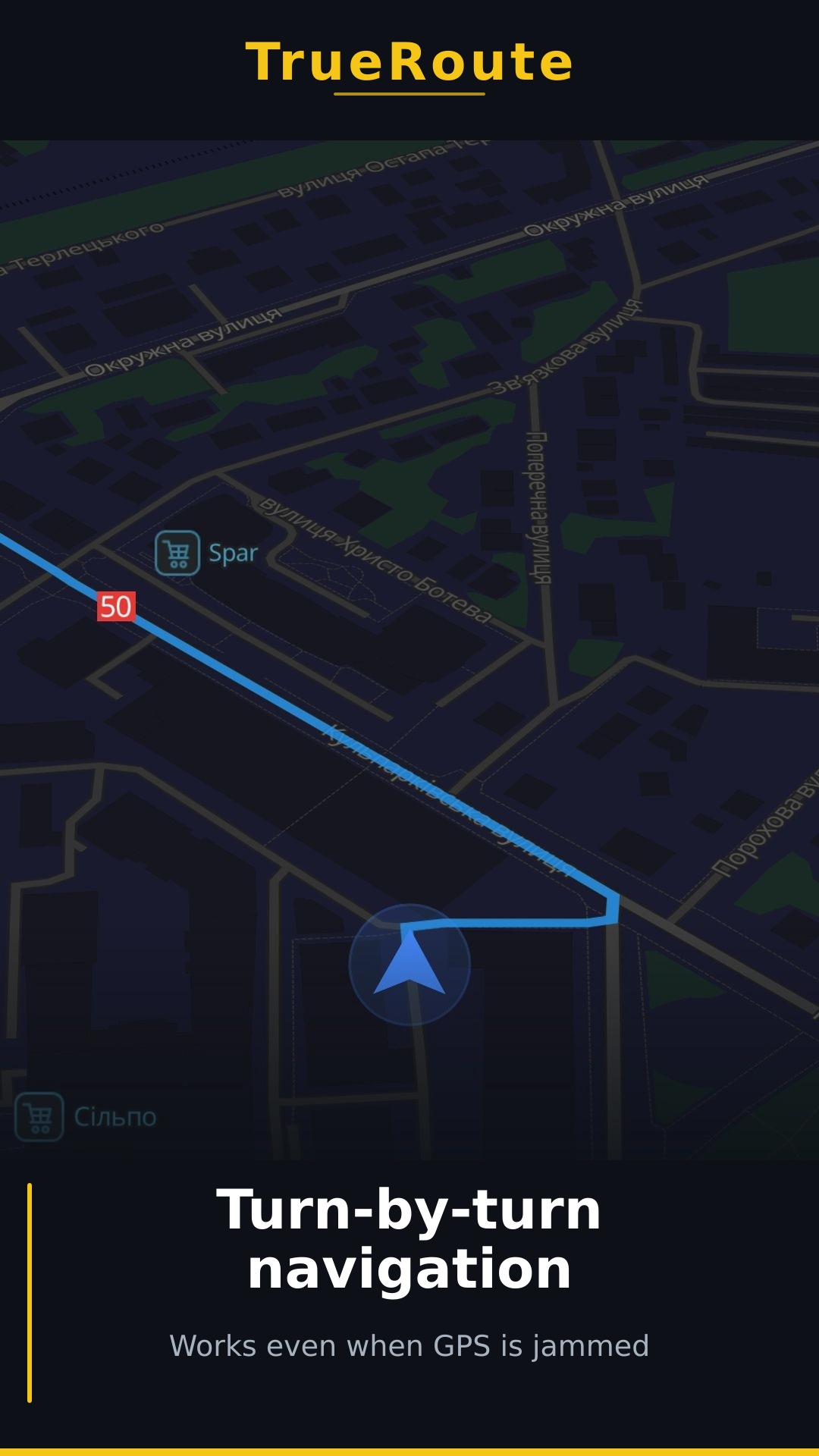
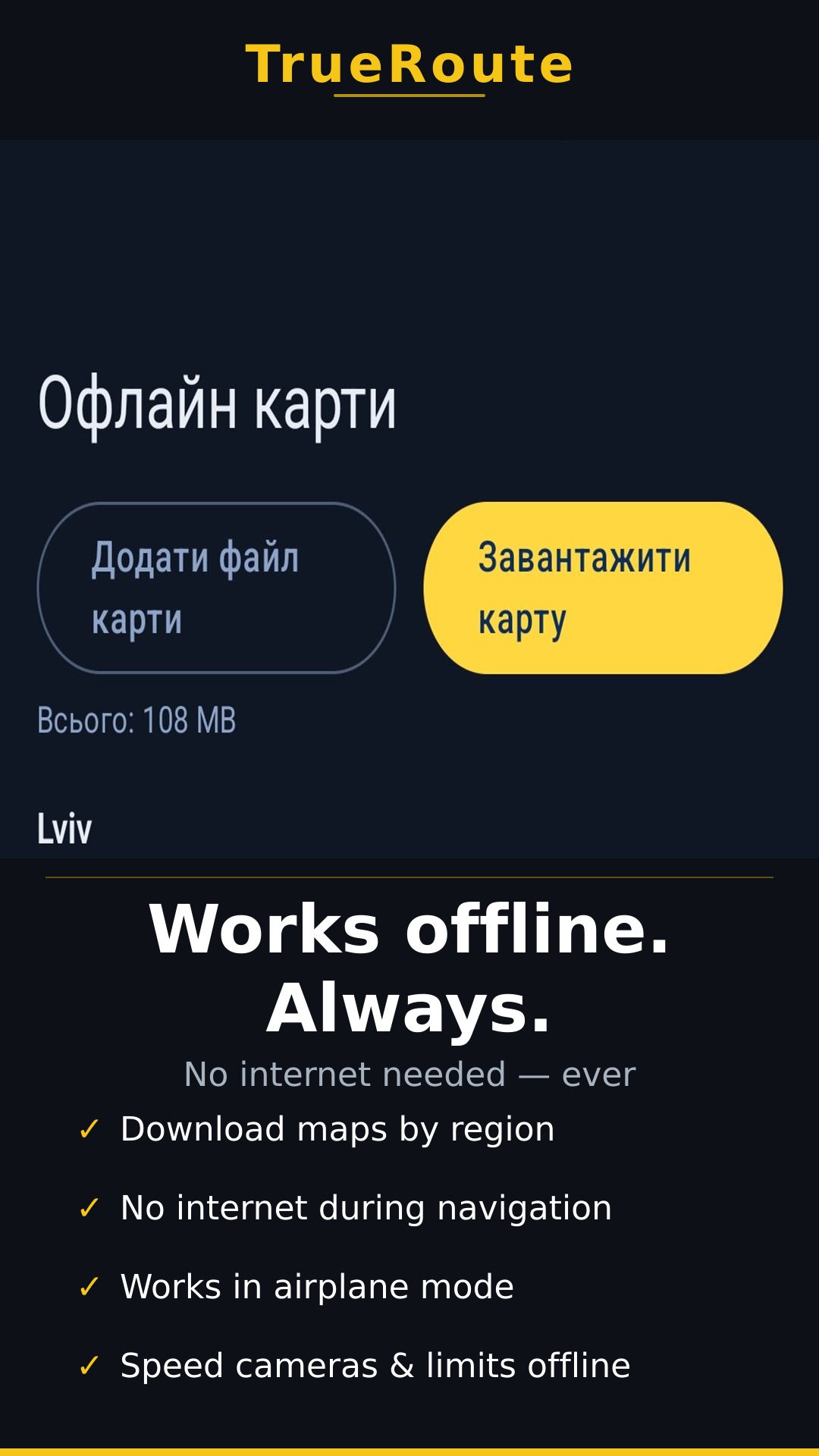
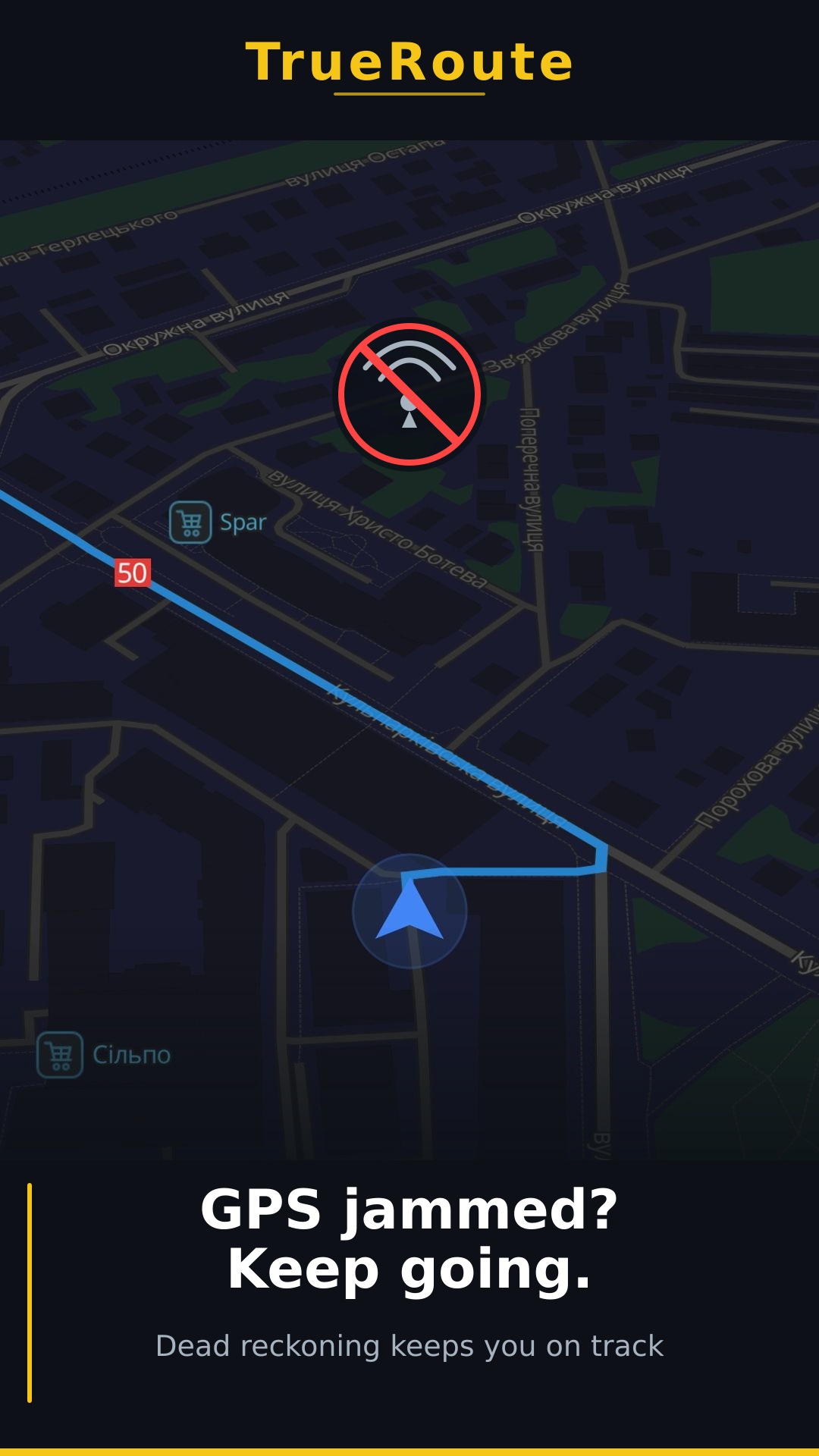
How It Works
How it works
1
Connect your OBD2 adapter
Plug any ELM327 Bluetooth adapter into your car's OBD2 port — no tools needed.
2
The app fuses all sensors
OBD2 speed + gyroscope + GPS are combined into one continuous, accurate position.
3
GPS fails — navigation continues
When GPS is jammed or spoofed, dead reckoning keeps your position accurate automatically.
Features
What TrueRoute does
GPS Disruption Detection
Identifies GPS spoofing and jamming in real time.
Dead Reckoning
Continues navigation from OBD2 speed and phone sensors when GPS is lost.
Offline Maps
Download regional maps once, navigate without internet.
GPX Route Import
Load any GPX track to follow your planned route offline.
Real-time Diagnostics
Live OBD2 data: speed, RPM, and engine codes.
Requirements
What you need
Required
- Android 8.0+ phone with gyroscope
- ELM327 Bluetooth OBD2 adapter (~$10, Bluetooth Classic / SPP)
- OBD2-equipped vehicle (petrol 2001+, most diesel 2004+)
Not required
- Internet connection during navigation
- Subscription or account
- Any special hardware beyond the adapter
Get Started
Ready to drive with confidence?
Coming Soon
Requires Android 8.0+